Native 1080P Video
Generate in native 1080P instead of upscaling a low-resolution draft, preserving more visible detail in subjects, products, environments, and camera movement.
Create native 1080P videos up to 30 seconds with synchronized native audio from text, images, or multimodal references.
A bright seaside commercial where a child blows iridescent bubbles into the wind.
Demo 1 of 5 | Use the arrows to browse examples
Wan 3.0 turns written prompts or still images into complete video scenes, generating motion and synchronized audio as one connected result.
Start by describing the subject, action, environment, camera direction, and the sound you want to hear. Wan 3.0 interprets those instructions as a single audiovisual scene instead of treating the soundtrack as a separate production step.
The model is made for complete short-form sequences rather than isolated silent shots. With native synchronized audio, resolutions from 480P to 1080P, and videos up to about 30 seconds, a scene has room to establish its setting, develop an action, and reach a clear final moment.
Use it to explore social content, product stories, advertising ideas, narrative previews, music-driven visuals, and other concepts where movement and sound need to work together.
Create longer short-form scenes with synchronized audio, flexible output resolutions, multimodal guidance, consistent subjects, and practical frame controls.
Generate in native 1080P instead of upscaling a low-resolution draft, preserving more visible detail in subjects, products, environments, and camera movement.
Use the longer runtime for a short narrative arc, product reveal, multi-beat social clip, or a scene with a clear beginning and ending.
Create dialogue, ambient sound, action cues, and atmosphere with the visual sequence for a more complete first result.
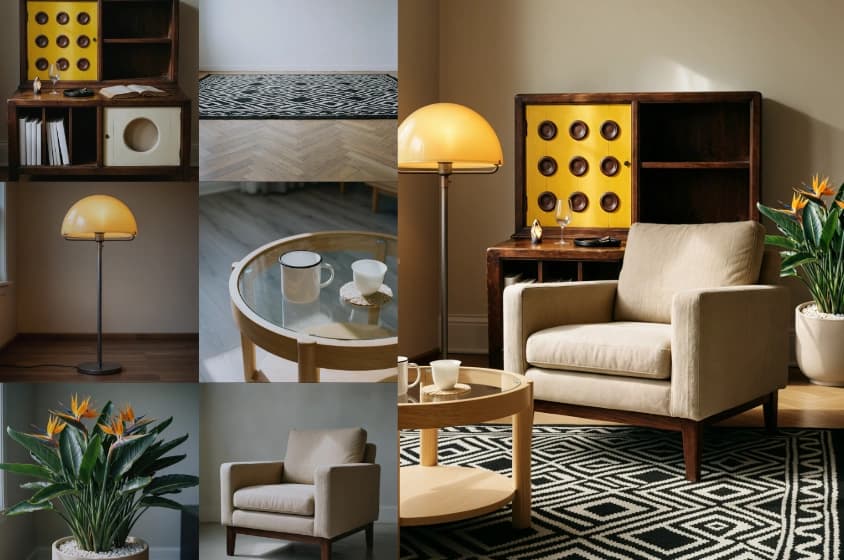
Combine text, images, video, and audio references to guide the subject, movement, style, voice, and atmosphere.
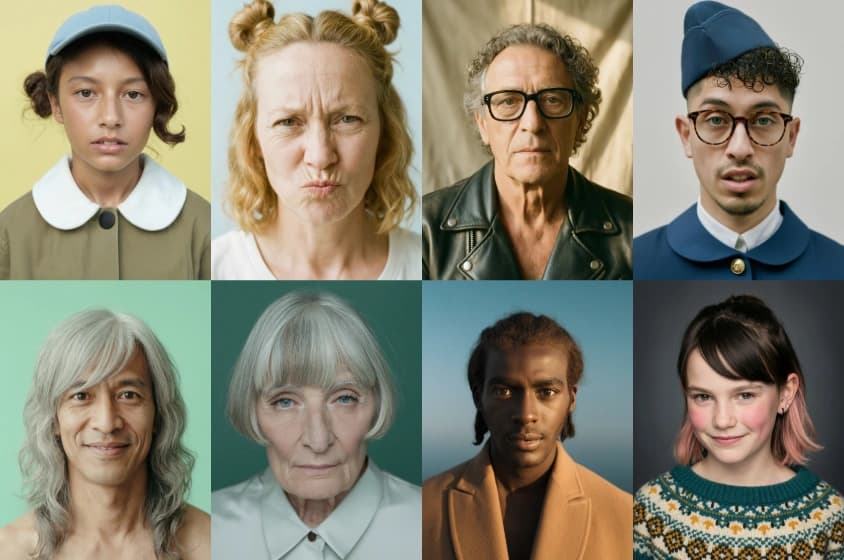
Keep characters, props, composition, and spatial relationships easier to follow across a longer sequence.
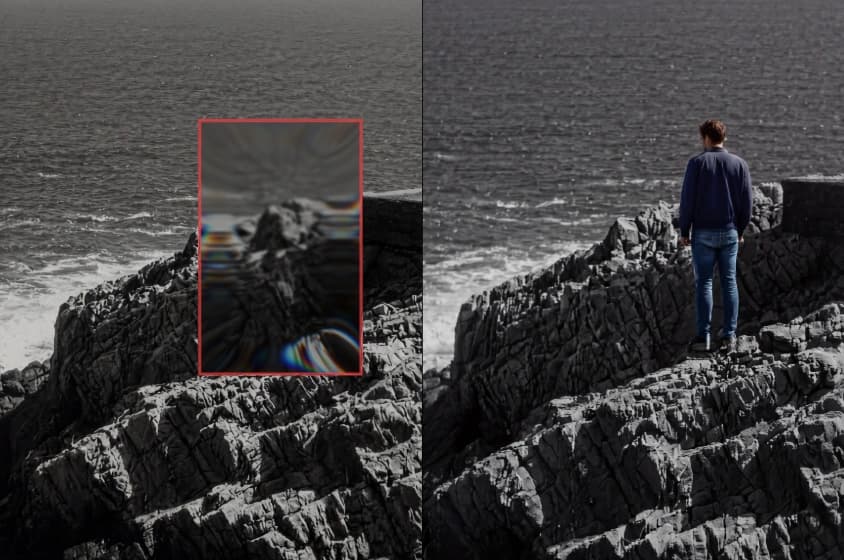
Define the opening and closing visual states when a scene needs to travel between two specific moments.
Duel in the Withered Grass
The Lotus of Time
The Shoes That Breathe
First and Last Frame Study
The Magic Acorn
Sword of the Blue Lotus
The Go Board City
Don't Go
The Sunken City Beneath the Line
Ambush from Ten Sides
Moonlit Bamboo
WAN Cloud Glass Homepage
Bed Above the Clouds
Rhythm of the Dough
Street Corner Collage Poster
Hangzhou in Ink
Plush Cake on the Arc de Triomphe
Midnight at the Gas Station
The Minimal Camera
The Lace Shirt Try-On
One Arrow, One Dragon
Mecha Orbital Drop
The Great Plush Escape
A Day with Plush WAN
Start broad, add only the references that matter, then refine the result with focused changes.
Write the subject, action, setting, camera direction, lighting, dialogue, and environmental sound.
Upload visual or audio references, then choose the aspect ratio, duration, and output quality.
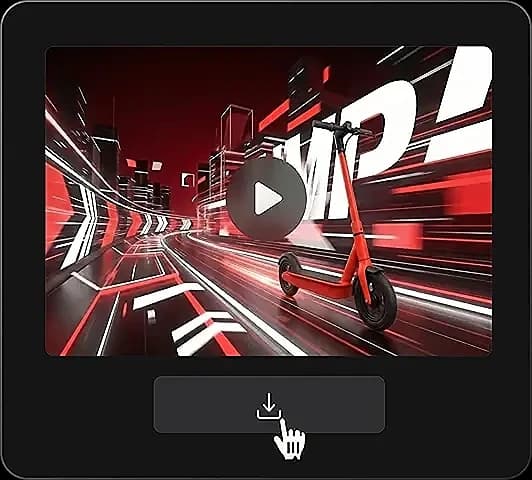
Review motion, framing, details, and audio timing together. Revise only what needs improvement.
A 30-second idea becomes easier to control when the prompt describes what changes over time.
Establish the subject, location, framing, light, and the first sound the viewer hears.
Describe the main action and camera movement in the order they should happen.
State how the scene, performance, or point of view changes before the final beat.
Define the last action, final frame, and audio cue. Add direct exclusions to the same prompt.
Direct exclusions
Wan 3.0 does not rely on a traditional negative prompt. Add plain constraints to the main prompt, for example: no text on screen, keep the character's clothing unchanged, and do not cut away from the subject.
Use Wan 3.0 for early drafts, social work, product concepts, and scenes where sound carries meaning.
Make complete scenes for Shorts, Reels, feeds, and campaign concepts.
Turn a product image into a moving concept with sound and camera direction.
Explore framing, movement, pacing, and sound before a full production.
Shape rhythm-led scenes, performance ideas, and atmospheric studies.
Bring an existing subject or art direction into a controlled moving scene.
Compare where each process begins, how picture and sound come together, and when each workflow is the better fit.
| Workflow area | Wan 3.0 AI Video Generator | Traditional production workflow |
|---|---|---|
| Starting point | A written prompt or still image | Script, shot list, location, cast, and equipment |
| Picture | Generated at 480P, 720P, or native 1080P | Recorded or animated, then assembled in an edit |
| Clip duration | Up to about 30 seconds in one generation | Based on the footage captured and the final edit |
| Audio | Created in sync with the video | Recorded, sourced, edited, and mixed separately |
| Iteration | Adjust the prompt or references and generate again | Reshoot, reanimate, or rebuild part of the edit |
| Best suited to | Concepts, variations, social scenes, and pre-visualization | Final projects requiring exact performances and frame-level precision |
Wan 3.0 speeds up exploration, but it does not replace editing or production when a final project needs exact performances, legal clearance, or frame-by-frame control.
Longer scenes, synchronized audio, flexible output quality, and reference inputs give each idea more room and more direction.
With up to about 30 seconds available, a scene can establish its setting, develop the main action, and finish on a deliberate closing moment.
Native synchronized audio makes dialogue, ambience, and action cues part of the first result, so timing can be judged as a complete scene.
Choose 480P or 720P for faster exploration, then use native 1080P when a polished concept needs more visible detail.
Begin with language when the idea is open, or use visual and audio references when characters, movement, framing, and sound need tighter control.
A concise guide to duration, audio, image input, formats, and prompt writing.
Wan 3.0 is an AI video model that turns text prompts or images into native 1080P video with synchronized audio.
A generation can be up to 30 seconds long, which is enough for several connected visual beats.
Yes. Describe dialogue, ambient sound, music direction, and key action cues in the prompt.
Choose 480P, 720P, or 1080P based on the speed and level of detail your project needs.
Yes. Upload a starting image and describe how the subject, environment, camera, and sound should develop.
Wan 3.0 can create landscape, vertical, and square videos, including 16:9, 9:16, and 1:1.
Keep one central action, use concrete shot directions, describe visible details, and state what the viewer should hear.
There is no traditional negative prompt field. Put exclusions directly in the main prompt as clear instructions.
Start with a character, a reference video, and a clear creative direction.
Create with Wan Animate